Hall Monitor

Know how cellular performs in your space

Assess cellular conditions before you deploy coverage, then monitor performance where people use their phones. InfiniG Hall Monitor sensors measure detected signals and quality, with optional active testing of calls, texts, and data. Review measurements, test results, and alarms in Hall Monitor reporting views.

Available with InfiniG MCaaS or for standalone monitoring
Why monitoring matters

Don't depend on complaints to understand cellular performance

When a call fails or a mobile application slows down, your team needs more than a user report to understand what is happening.

Hall Monitor provides repeated measurements from the locations you select. See which signals are available, check service performance with active testing, and review changes over time.

See the signal conditions. Check the service experience.

Hall Monitor turns measurements from your building into information your team can use. Compare detected signals, review changes over time, and add active testing to check calls, texts, and data services at monitored locations.

Are calls, texts, and data services working?

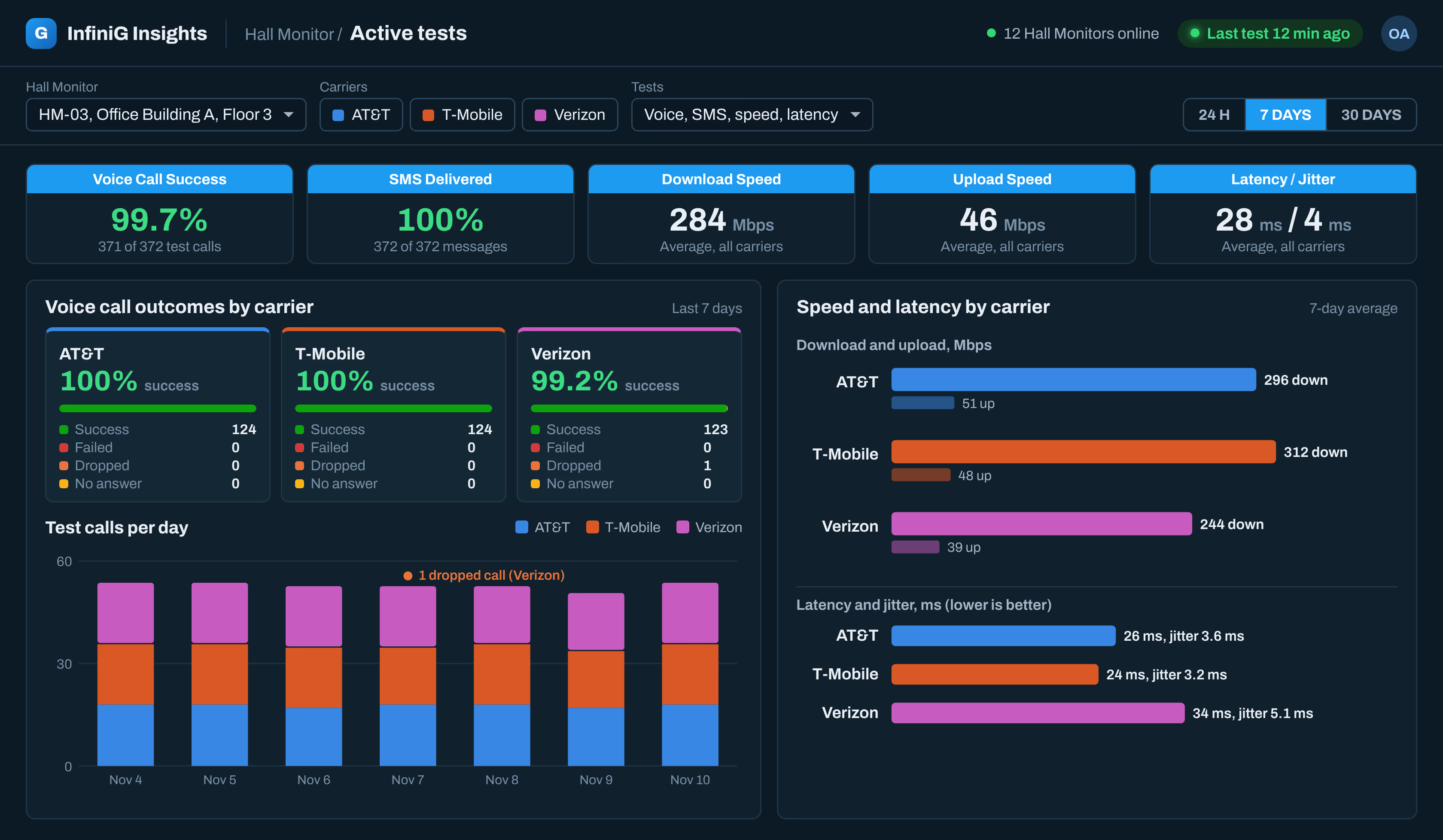
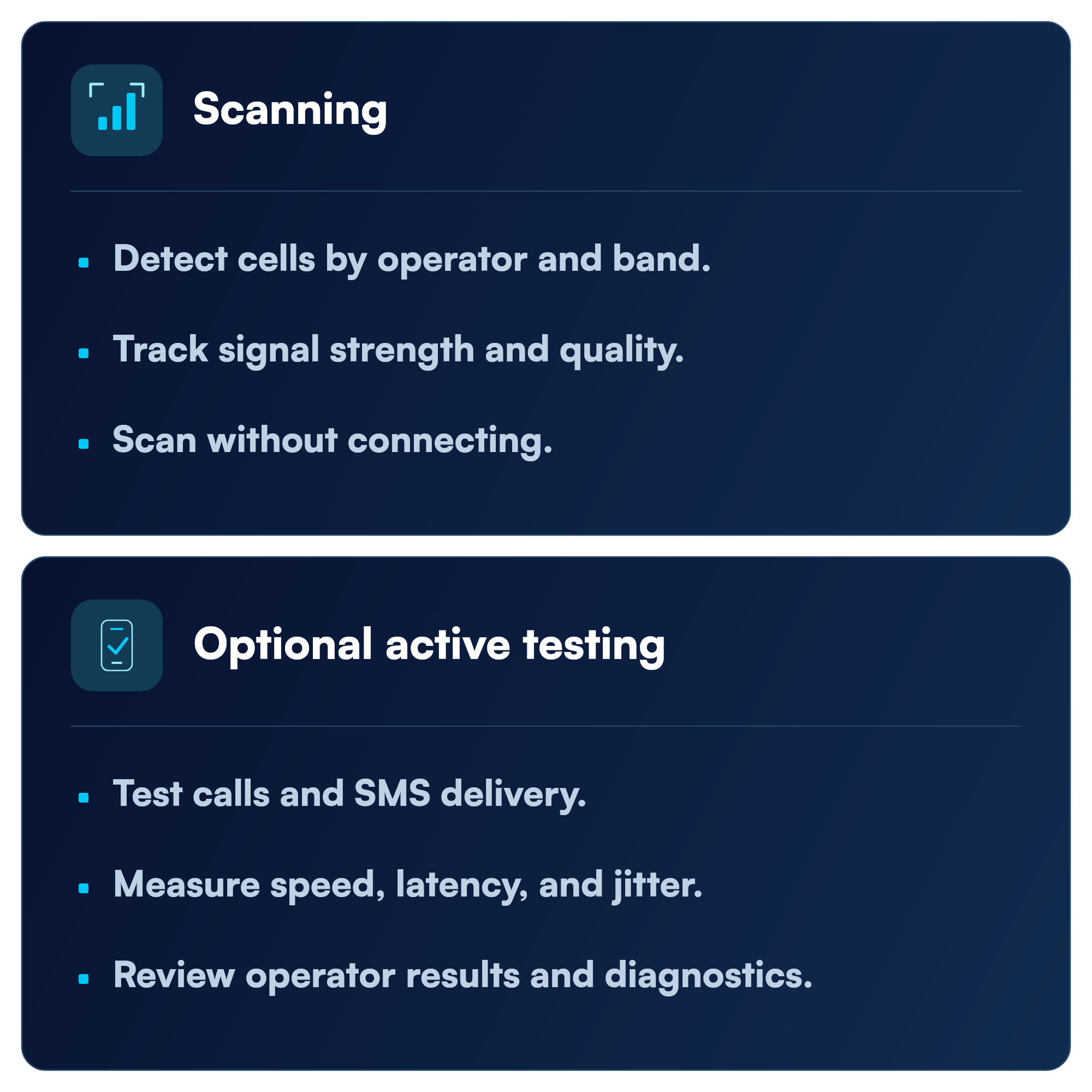
With optional active testing, review call outcomes, SMS delivery, download and upload speeds, and responsiveness by tested operator.

How do signal conditions change over time?

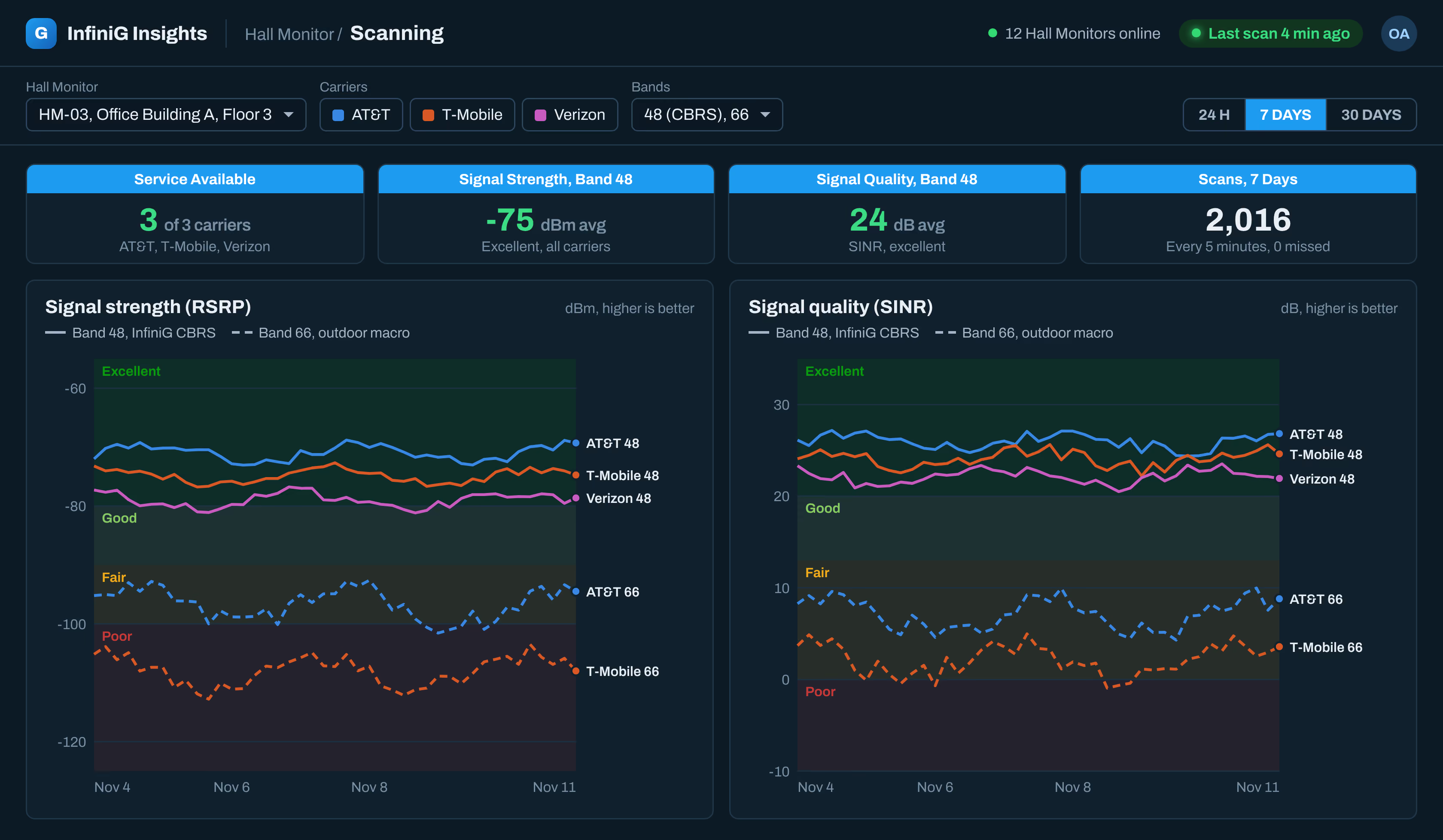
Track signal strength and quality across detected operators and bands. Compare indoor-network signals with outdoor mobile-network signals reaching the sensor.

Which operators and bands can the sensor detect?

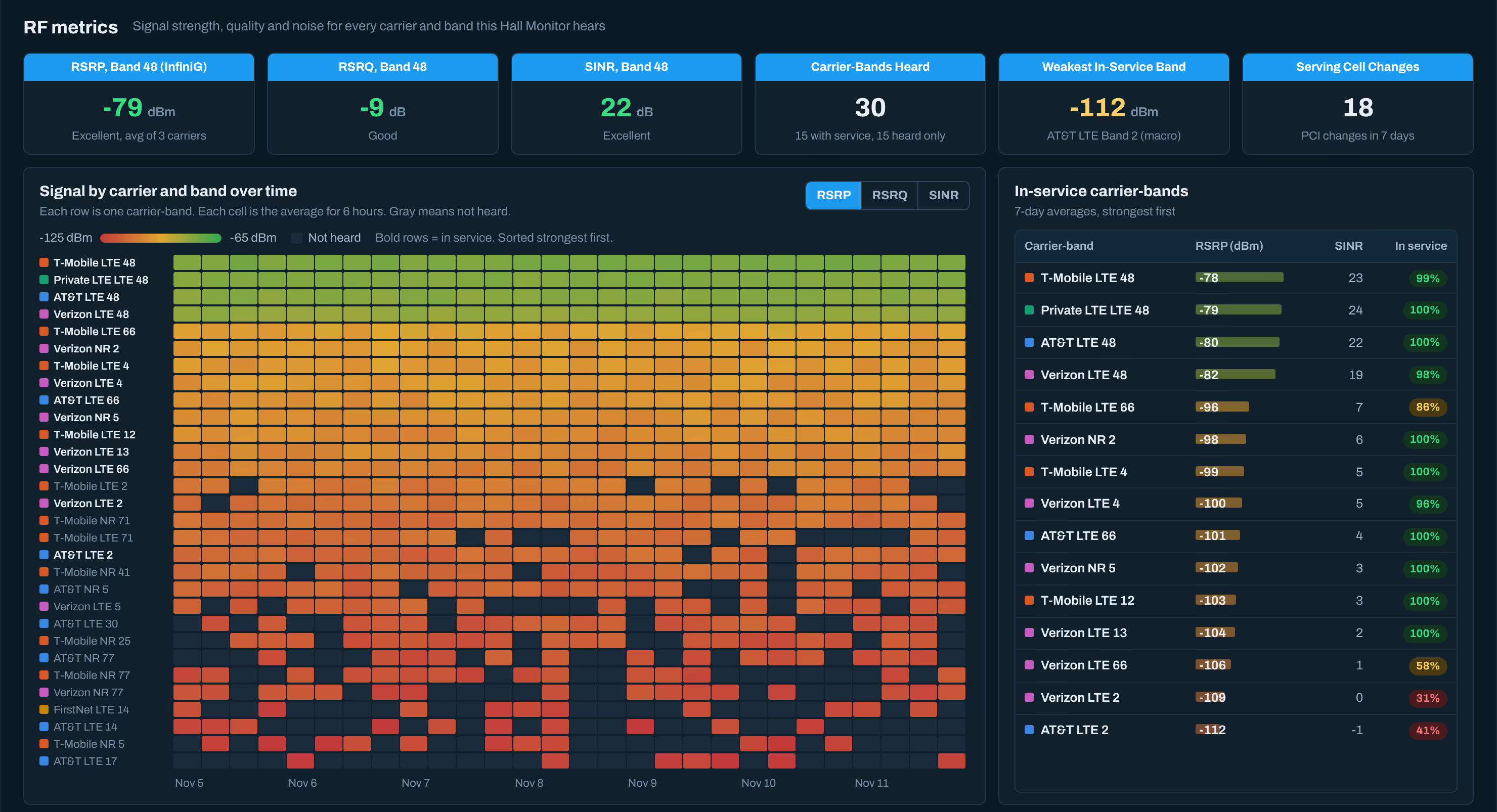
Compare the strength and quality of detected signals by operator and frequency band to understand the radio environment at that location.

Which nearby LTE and 5G cells are present?

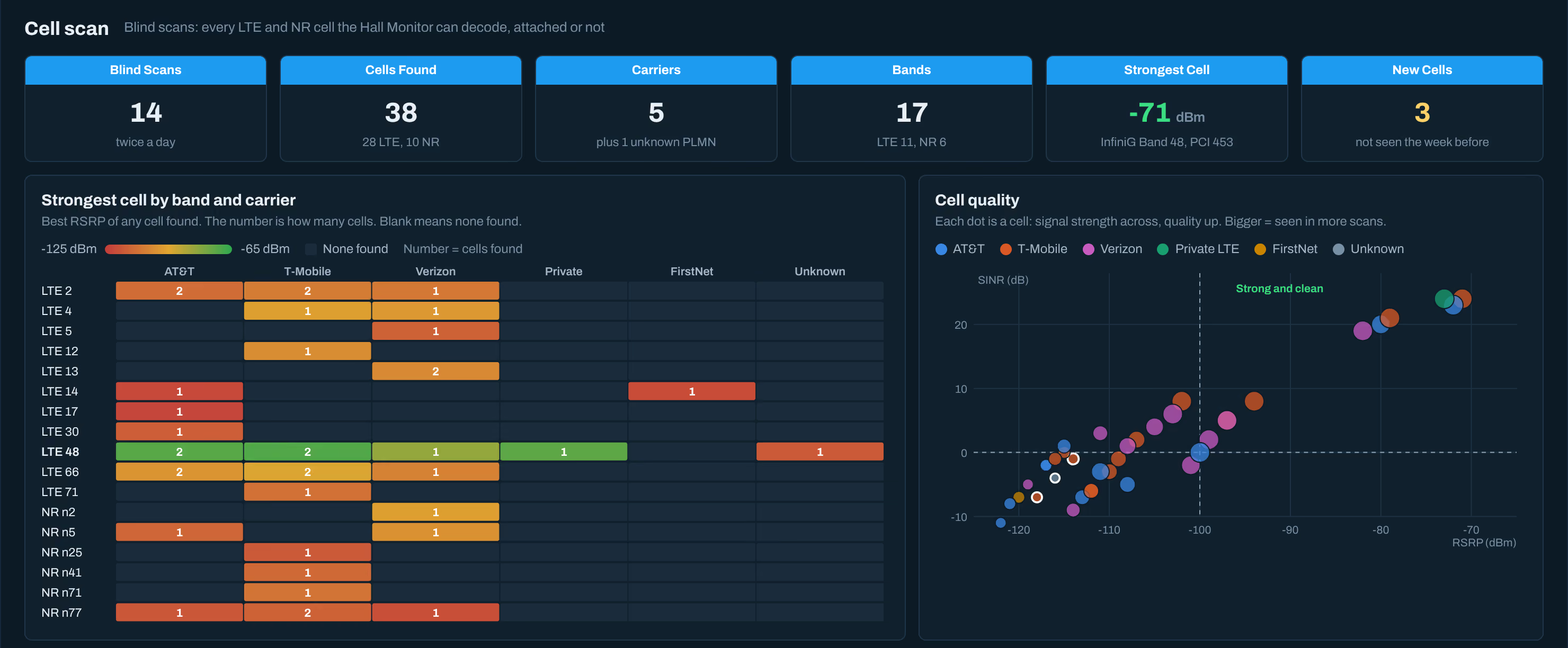
Identify LTE and 5G cells the sensor can detect and decode, including cells it is not connected to, to inform assessment and deployment planning.

Assess before deployment. Monitor after deployment.

Use Hall Monitor to answer different questions at different stages of your coverage project. It can support an assessment before you invest and remain in place to monitor conditions after deployment.

Pre-deployment assessment

Understand the cellular conditions already reaching important spaces and help determine where additional indoor coverage is needed.

  • Capture detected operators, bands, and nearby cells
  • Review signal strength and quality at selected locations
  • Add active tests to check existing calls, texts, and data services
  • Use the data to inform coverage decisions and deployment planning

Post-deployment monitoring

Keep checking conditions at important locations as the building and network operate over time.

  • Repeat scans to see changes in signal strength and quality
  • Schedule active tests to check calls, texts, and data services
  • Review results and threshold-based alarms to focus troubleshooting
  • Compare observations over time for important locations
Scanning + testing

See the signal. Test the service.

Choose scanning for visibility into the cellular environment. Add active testing to measure how services perform at the sensor location. Both can support an assessment or ongoing monitoring.

Both options use the same Hall Monitor hardware. Active testing adds the mobile operator service plans needed for the selected tests.

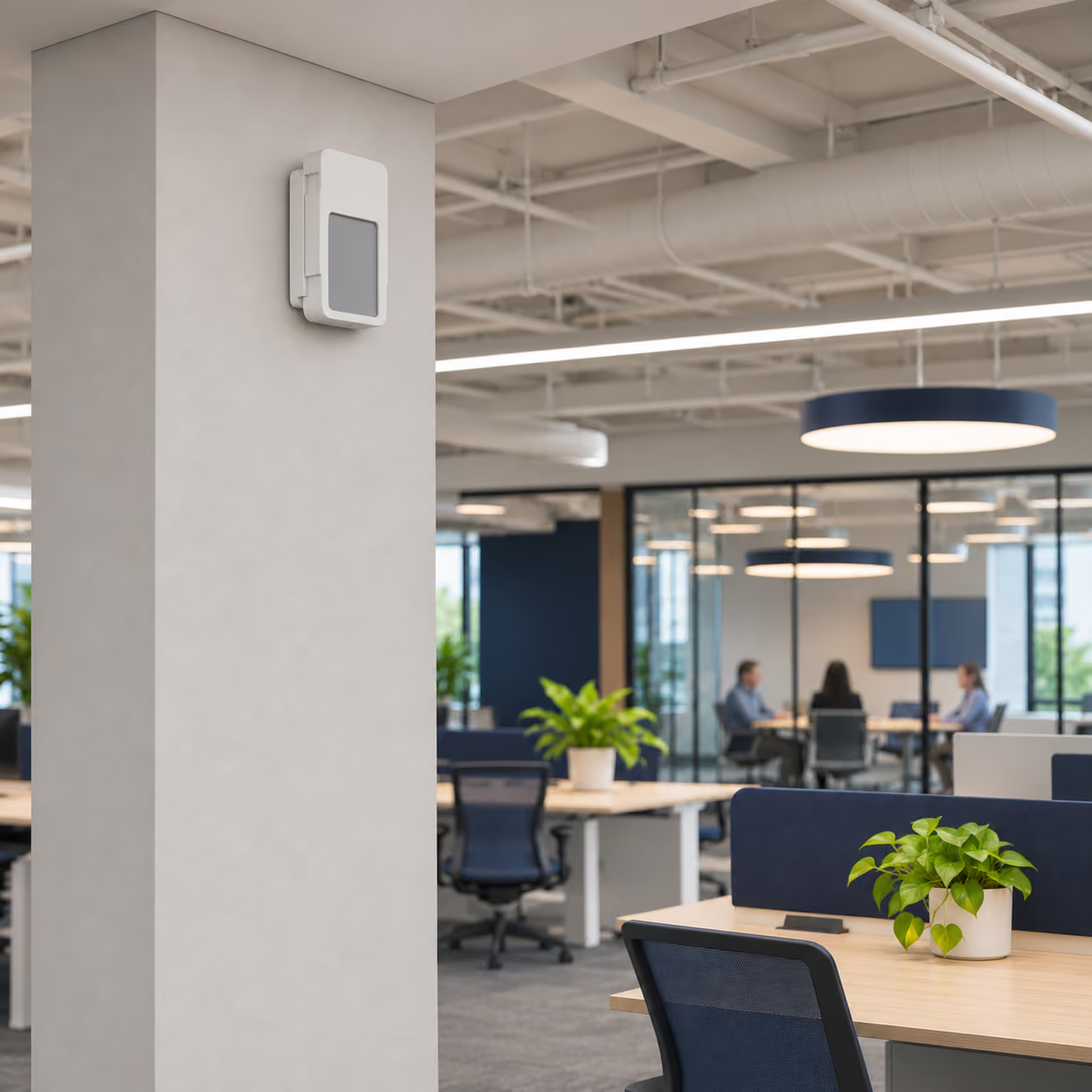
Place Hall Monitor where people use their phones

Use Hall Monitor with InfiniG MCaaS or independently in buildings with existing cellular coverage systems, including DAS. Each sensor reports conditions at its location. Detailed power, placement, and product specifications are in the FAQs below.

Choose representative locations

Select occupied areas such as central workspaces, checkout locations, or operating spaces. InfiniG can help define placement and the number of sensors for your objectives.

Connect power and record location

Power the sensor using a suitable PoE adapter and Ethernet cable. Record the building, floor, and area so the results have clear location context.

Set the monitoring scope

Use a temporary capture for an assessment or keep sensors installed for ongoing monitoring. Choose scanning or add active testing for the services you need to check.

Hall Monitor FAQs

Answers about Hall Monitor coverage assessments, scanning, optional active testing, deployment, and technical specifications.

What is InfiniG Hall Monitor, and who is it for?
Do we need InfiniG MCaaS to use Hall Monitor?
How does ongoing Hall Monitor monitoring differ from a one-time coverage test?
Can Hall Monitor help assess coverage before we invest in an indoor cellular system?
How can Hall Monitor support an indoor cellular deployment?
How long should a temporary Hall Monitor assessment run?
Can Hall Monitor compare indoor network signals with outdoor mobile-network signals?
What does Hall Monitor scanning measure?
What does the optional Hall Monitor active-testing service add?
Which mobile operators can Hall Monitor test, and are service plans required?
Where should Hall Monitor sensors be installed, and how many are needed?
What power and connectivity does Hall Monitor require?
Where are Hall Monitor results stored and viewed?
How do Hall Monitor alarms work?
How can Hall Monitor reporting help with troubleshooting?
Does Hall Monitor improve cellular coverage?
Does Hall Monitor monitor Wi-Fi as well as cellular?
Which 4G LTE and 5G NR bands does Hall Monitor support?
What radio technologies and modem platform does Hall Monitor use?
What are the dimensions of a Hall Monitor sensor?
Can Hall Monitor be installed outdoors?
Does active testing measure the experience of every phone in the building?
Is Hall Monitor included with an MCaaS subscription?

Know what's happening at your critical locations

Talk with InfiniG about where you need visibility, which mobile operators matter to your users, and whether scanning or active testing fits your requirements.